
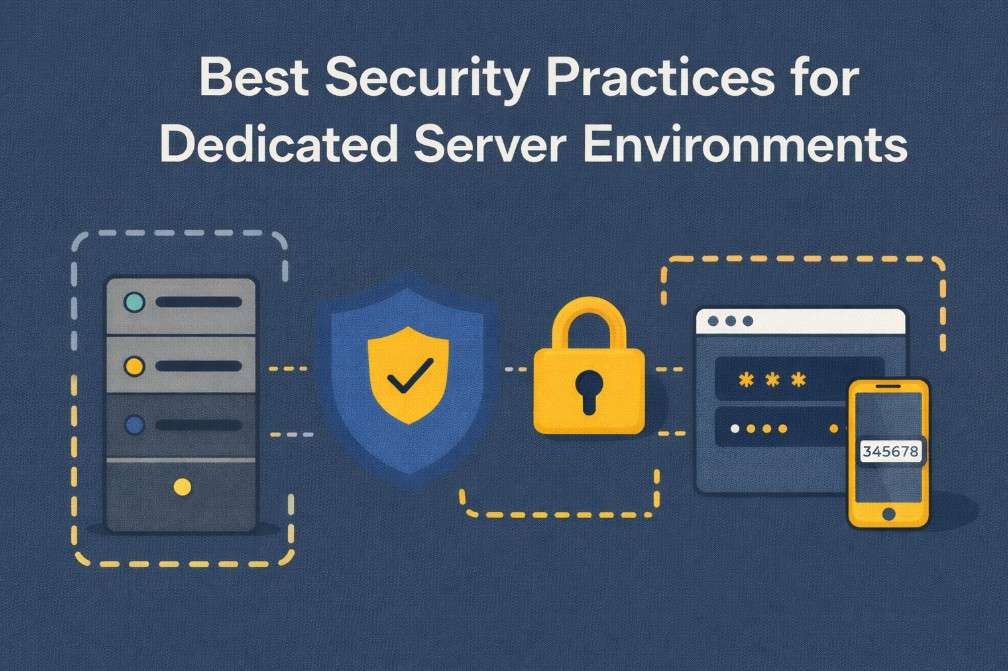
Dedicated servers provide unmatched control, performance, and isolation. However, with full ownership of the infrastructure comes full responsibility for security. Unlike shared or managed environments, dedicated servers require deliberate configuration, monitoring, and maintenance to remain secure over time.
This guide outlines the most important security best practices for dedicated server environments, focusing on practical steps that reduce risk, protect sensitive data, and ensure long-term infrastructure stability.
Security on dedicated servers goes beyond hardware isolation.
Understanding how access control, encryption, and monitoring work together is essential for building a resilient infrastructure.
Why Security Matters in Dedicated Hosting
A dedicated server is often used to host mission-critical workloads such as:
- E-commerce platforms
- SaaS applications
- Customer databases
- Financial or regulated systems
- High-traffic websites
These environments are attractive targets for attackers because they typically handle valuable data and operate with elevated privileges. A single misconfiguration can expose the entire system.
Security on dedicated servers is not a single action, it is a continuous process.
1. Keep the Operating System and Software Updated
Unpatched systems remain one of the most common attack vectors.
Best practices include:
- Apply operating system security updates regularly
- Patch kernels, system libraries, and runtime dependencies
- Keep databases, web servers, and control panels updated
- Remove or disable unsupported software versions
Automating security updates where possible reduces the risk of known vulnerabilities being exploited.
2. Enforce Strong Access Control
Access control is the foundation of server security. Every unnecessary login increases risk.
Key measures:
- Disable password-based SSH access in favor of key-based authentication
- Restrict root login and use sudo for administrative tasks
- Enforce strong password policies for all system users
- Implement multi-factor authentication (MFA) on management interfaces
- Remove unused user accounts and credentials
Limiting who can access the server and how they access it, dramatically reduces exposure.
3. Harden Network Access with Firewalls
A firewall defines what traffic is allowed to reach your server.
Recommended firewall practices:
- Allow only required ports (e.g., 22, 80, 443)
- Restrict administrative access to trusted IP addresses
- Block unused protocols and services
- Use tools such as UFW, firewalld, or iptables
- Add a Web Application Firewall (WAF) for HTTP-level protection
Firewalls should follow the principle of least privilege: deny everything by default and allow only what is necessary.
Infrastructure isolation plays a key role in security hardening.
Learn how dedicated servers reduce attack surfaces compared to shared and virtualized environments.
4. Encrypt Data at Rest and in Transit
Encryption ensures data remains protected even if a breach occurs.
Data at Rest
- Encrypt disks and sensitive partitions
- Use strong algorithms such as AES-256
- Secure encryption keys and access policies
Data in Transit
- Enforce HTTPS with TLS 1.2 or newer
- Disable weak ciphers and legacy protocols
- Secure internal service communication
Encryption protects customer data, credentials, and application traffic from interception.
5. Implement Reliable Backup Strategies
Backups are a critical security control, not just a disaster recovery tool.
Effective backup strategies include:
- Automated, scheduled backups
- Encrypted backup archives
- Storage in separate physical or geographic locations
- Regular backup integrity and restore testing
- Defined data retention policies
A secure server without recoverable backups remains vulnerable to ransomware and data loss.
Security is also about recoverability and visibility.
Understanding how dedicated servers handle high load and monitoring is essential for long-term stability.
6. Monitor Logs and System Activity
Continuous monitoring allows early detection of suspicious behavior.
Key areas to monitor:
- Authentication attempts and failures
- File system changes
- Network traffic anomalies
- CPU, memory, and disk usage spikes
- Unexpected service restarts
Tools such as log aggregators, SIEM platforms, or alerting systems help identify threats before they escalate.
7. Use Intrusion Detection and Anti-Malware Tools
Dedicated servers benefit from layered security controls.
Common tools include:
- Fail2Ban to block repeated login attempts
- File integrity monitoring (AIDE, Tripwire)
- Malware scanners such as ClamAV
- Network intrusion detection systems (Snort, Suricata)
No single tool provides complete protection, but combined layers significantly reduce risk.
8. Harden the Server Configuration
Server hardening reduces the number of exploitable components.
Configuration hardening steps:
- Disable unused services and daemons
- Remove default configurations and credentials
- Restrict file and directory permissions
- Secure temporary directories
- Apply kernel hardening where appropriate
A smaller attack surface makes exploitation more difficult.
9. Segment Services and Isolate Workloads
Security improves when services are separated.
Examples:
- Run databases on separate servers
- Isolate critical applications from public-facing services
- Use VLANs or private networks for internal traffic
- Apply role-based access per service
Isolation limits the impact of a compromise and prevents lateral movement.
10. Perform Regular Security Audits
Security controls must be verified continuously.
Audit activities include:
- Vulnerability scanning
- Configuration reviews
- Access log analysis
- Patch compliance checks
- Penetration testing (where applicable)
Audits help identify weaknesses before attackers do and support compliance requirements.
So…
Dedicated servers provide powerful infrastructure, but security depends entirely on how that power is managed. Strong authentication, encryption, monitoring, and proactive maintenance form the backbone of a secure dedicated environment.
By applying consistent security best practices, organizations can reduce risk, protect sensitive data, and ensure their infrastructure remains reliable and resilient over time.
Security is not a one-time setup, it is an ongoing discipline that evolves alongside your applications and threats.
❓ FAQ 1
Are dedicated servers more secure than VPS or shared hosting?
❓ FAQ 2
What role does monitoring play in dedicated server security?
❓ FAQ 3
Does hardware performance impact server security?