
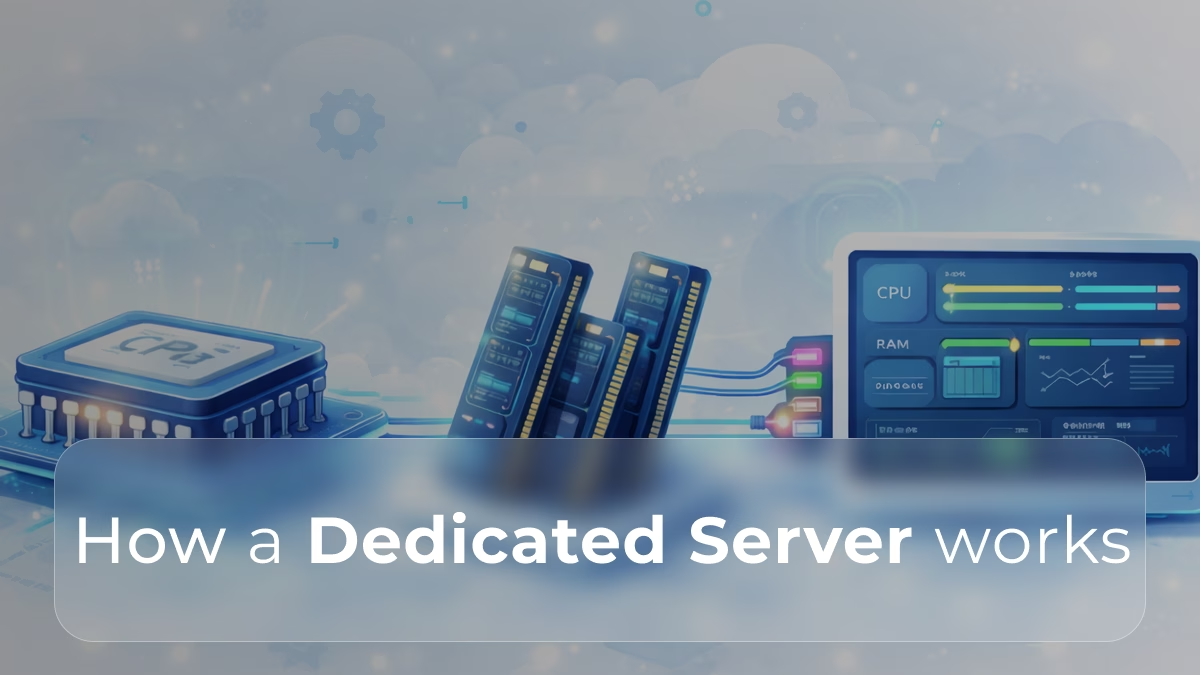
When performance, reliability, and control truly matter, a dedicated server stands at the core of professional hosting infrastructure. But beyond the marketing jargon, how does a dedicated server actually work?
Let’s break it down clearly from the physical hardware to the virtual layer of control.
1. The Physical Layer: Hardware Built for Performance
At its heart, a dedicated server is a high-performance physical machine located in a data center.
Think of it as a specialized computer designed to run 24/7 under heavy workloads.
Each server includes:
- CPU (Processor): Handles all computing operations the faster and more cores, the better the multitasking and response times.
- RAM (Memory): Stores active data and processes for quick access. More RAM means faster performance under load.
- Storage: Usually SSD or NVMe drives for speed, sometimes combined with HDDs for large-scale storage.
- Network Interfaces: High-speed connections to ensure consistent data transfer to and from the Internet.
This hardware is dedicated exclusively to one client, ensuring that all processing power, bandwidth, and memory are used only for that client’s applications, no sharing, no slowdowns.
2. The Data Center Environment
The physical machine operates inside a professionally managed data center.
This environment provides:
- Redundant power supplies (so it stays online even during outages),
- Advanced cooling systems (to maintain stable temperatures),
- High-speed, redundant network connections
- 24/7 monitoring and security.
These controlled conditions ensure that the server runs continuously and securely, with minimal downtime.
3. The Operating System Layer
Once the hardware is in place, the provider (or the client) installs an operating system typically Linux or Windows Server.
This OS acts as the interface between the hardware and your applications. It manages:
- File storage and retrieval,
- Memory allocation,
- Process scheduling,
- User permissions, and
- Network communications.
The OS is where most administrative and optimization tasks happen, configuring firewalls, managing users, or installing performance tools.
4. The Virtual and Application Layer
On top of the operating system, you can install any required software, for example:
- Web servers (Apache, Nginx, IIS),
- Databases (MySQL, PostgreSQL, MSSQL),
- Email servers,
- Control panels (Plesk, cPanel), or
- Custom applications.
This is where your websites, APIs, or enterprise tools live and run.
Because the environment is isolated and customizable, you can tune every aspect from kernel parameters to security policies for optimal performance.
5. Remote Access and Control
Even though the hardware sits in a data center, you manage it remotely.
Common access methods include:
- SSH (Secure Shell): For command-line control in Linux systems.
- Remote Desktop Protocol (RDP): For Windows servers with a graphical interface.
- Dedicated control panels: Web-based dashboards that simplify server monitoring, reboots, and configurations.
This remote access allows administrators to perform any action from deploying updates to rebooting the server as if they were physically in front of it.
6. Network and Connectivity
Each dedicated server is connected to the Internet through redundant, high-speed network links.
Every server has one or more dedicated IP addresses, enabling it to host multiple applications or services independently.
Network performance is constantly monitored for latency, throughput, and packet loss, ensuring smooth and stable connections for users worldwide.
7. Security and Isolation
Because the hardware and software are fully isolated, dedicated servers inherently provide strong security boundaries.
Administrators can:
- Configure custom firewalls and intrusion detection systems,
- Control user access levels,
- Apply specific security policies tailored to the business needs.
This makes dedicated servers ideal for sensitive data, enterprise-grade applications, or any workload requiring compliance with strict regulations.
8. Monitoring and Maintenance
Behind the scenes, both the provider and the client play a role in keeping the server healthy.
- The data center team monitors hardware status, network connectivity, and power systems.
- The client or sysadmin monitors system performance, disk usage, and software updates.
Advanced tools provide real-time alerts for CPU load, memory consumption, and disk health allowing proactive maintenance before problems occur.
9. The Lifecycle: From Deployment to Optimization
A dedicated server’s journey typically follows this process:
- Provisioning: Hardware is installed, connected, and configured.
- OS Installation: The system is set up with the desired operating system and initial configuration.
- Application Deployment: Web services, databases, or custom software are installed.
- Optimization: System tuning, caching, and resource management for peak performance.
- Monitoring & Scaling: Continuous tracking and, when needed, upgrading hardware components or storage capacity.
This lifecycle ensures that a dedicated server remains fast, stable, and secure over time.
So…
A dedicated server works by combining exclusive hardware, enterprise-level infrastructure, and full administrative control into one powerful hosting environment.
From the cooling fans in the data center to the operating system running your applications, every layer is optimized for performance, stability, and control.
That’s why businesses with mission-critical operations trust dedicated servers, they deliver the consistency and reliability that shared or virtual environments simply can’t match.
Need a broader foundation before diving into architecture and components?
Review What a Dedicated Server Is to reinforce core concepts and commercial use-cases.