
Website performance starts long before your server processes a request.
Understanding concepts like DNS, server load, and latency is essential to diagnose why websites slow down as traffic grows.
:: What Is Server Load and Why Websites Slow Down ::
When users visit a website, they expect pages to load instantly. While server performance and application optimization often receive most of the attention, one critical component is frequently overlooked: DNS.
DNS plays a foundational role in how quickly users can access a website. Even before a server processes a request, DNS must resolve the domain name into an IP address. If this process is slow or unreliable, overall web performance suffers, regardless of how optimized the backend may be.
This article explains how DNS works, why it matters for web performance, and how DNS behavior influences speed, reliability, and user experience.
What Is DNS?
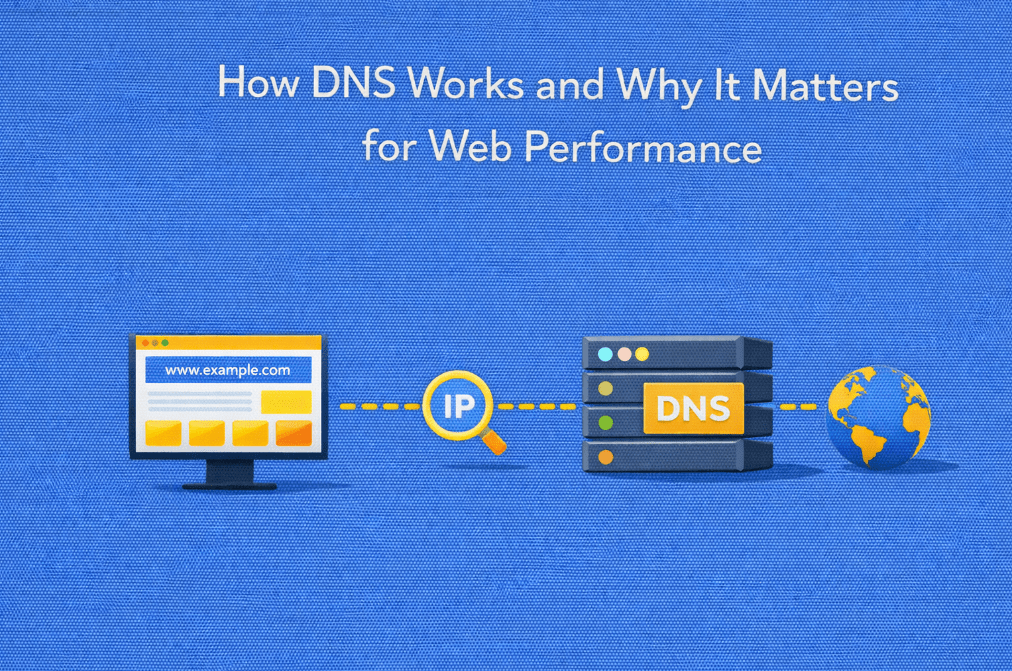
DNS (Domain Name System) is the mechanism that translates human-readable domain names into machine-readable IP addresses.
Instead of accessing a website via an IP address like 192.0.2.1, users type a domain name such as example.com. DNS handles the translation between the two.
At a high level, DNS:
- Maps domain names to IP addresses
- Enables browsers to locate servers on the internet
- Acts as the internet’s address book
Without DNS, users would need to remember numerical IP addresses for every website they visit.
How DNS Resolution Works
DNS resolution happens in several steps, often in milliseconds, but those milliseconds matter.
Step-by-Step DNS Lookup Process
When a user enters a domain into a browser:
- Browser cache check
The browser checks if it already has the IP address stored. - Operating system cache
If not found, the request moves to the OS-level DNS cache. - Recursive DNS resolver
The query is sent to a recursive resolver, usually provided by the ISP or a public DNS service. - Root DNS server
The resolver asks the root server where to find information about the domain’s TLD. - TLD DNS server
The Top-Level Domain server (e.g. .com) points to the authoritative name server. - Authoritative DNS server
The final server responds with the IP address for the domain.
Once resolved, the browser can connect to the web server and request the page.
Why DNS Matters for Web Performance
DNS resolution is the first step in loading a website. Any delay here affects everything that follows.
DNS resolution is the first step in performance, but it’s not the only one.
Once traffic reaches your server, infrastructure capacity and resource allocation become just as critical.
:: Benefits of Dedicated Servers ::
DNS Impacts Initial Page Load Time
Before a browser can:
- Establish a TCP connection
- Perform a TLS handshake
- Request HTML, CSS, or JavaScript
It must complete DNS resolution.
Slow DNS responses result in:
- Longer time to first byte (TTFB)
- Delayed page rendering
- Slower perceived performance
Even a few hundred milliseconds of DNS latency can negatively impact user experience.
DNS and Latency
DNS servers are geographically distributed. The physical distance between users and DNS resolvers directly affects response time.
Factors influencing DNS latency include:
- Location of authoritative name servers
- Resolver performance and caching efficiency
- Network routing quality
- DNS query load and traffic spikes
Using globally distributed DNS infrastructure helps reduce lookup times for international audiences.
The Role of DNS Caching
DNS caching significantly improves performance by reducing repeated lookups.
How Caching Works
- DNS responses are cached at multiple levels (browser, OS, resolver)
- Each DNS record has a TTL (Time To Live)
- While cached, DNS resolution is nearly instantaneous
Performance Benefits of Caching
- Fewer DNS queries per visit
- Faster page loads for returning users
- Reduced load on DNS servers
However, very low TTL values can increase DNS traffic and lookup frequency, while excessively high TTLs reduce flexibility during infrastructure changes.
DNS Reliability and Website Availability
DNS is also critical for uptime.
If DNS fails:
- Websites become unreachable
- Applications cannot connect to APIs
- Email delivery can be disrupted
Reliable DNS infrastructure supports:
- Redundancy across multiple name servers
- Failover to alternative IPs
- Load balancing between servers
A fast server is useless if users cannot resolve its address.
DNS and Traffic Distribution
DNS can influence how traffic is routed.
Common use cases include:
- Load balancing across multiple servers
- Geographic traffic routing
- Failover during outages
While DNS-based routing is not real-time, it provides an effective way to distribute traffic and improve resilience.
DNS vs Server Performance
DNS performance and server performance are closely related, but not interchangeable.
- Fast servers cannot compensate for slow DNS resolution
- Optimized DNS improves how quickly users reach the server
- Both must work together for consistent performance
This is especially important for high-traffic or globally distributed websites.
When DNS Becomes a Bottleneck
DNS may contribute to performance issues when:
- Name servers are overloaded
- DNS infrastructure lacks geographic coverage
- TTL values are poorly configured
- DNS providers experience outages
In these cases, website speed issues may appear even if the server itself is healthy.
When DNS is optimized and performance issues persist, the bottleneck is often no longer at the network level, but at the hosting layer itself.
:: Shared Hosting vs Dedicated Servers: Performance Differences ::
Best Practices for DNS Performance
Improving DNS performance does not require complex changes.
Key best practices include:
- Use reliable, globally distributed DNS providers
- Configure appropriate TTL values
- Implement DNS redundancy
- Monitor DNS response times and failures
- Align DNS strategy with hosting architecture
DNS should be treated as a performance component, not just a configuration step.
So…
DNS is one of the most fundamental yet underestimated elements of web performance. It determines how quickly users can reach your infrastructure and whether your website remains accessible under load or during failures.
While DNS alone will not solve all performance issues, poor DNS configuration can undermine even the most optimized hosting environments. Understanding how DNS works and why it matters allows businesses to build faster, more reliable web experiences from the very first request.
In performance-driven infrastructure, every millisecond counts and DNS is where it all begins.
Performance doesn’t depend on a single component, it’s the result of how DNS, network, and server infrastructure work together.
If your website is growing and performance consistency matters, dedicated servers provide the control and stability required to support optimized DNS strategies, predictable latency, and reliable delivery.
Discover dedicated server solutions built for performance at scale at Swify.io
❓FAQ 1
How is DNS related to server load?
DNS does not generate server load directly, but it determines how efficiently users can reach the server. Poor DNS performance increases connection delays and amplifies the impact of high server load once traffic arrives.
❓FAQ 2
Can a fast server compensate for slow DNS?
No. Even the fastest server cannot respond until DNS resolution is completed. DNS latency adds delay before any server-side optimization takes effect.
❓FAQ 3
Does DNS performance matter more for high-traffic websites?
Yes. As traffic grows, DNS efficiency becomes critical to avoid resolution bottlenecks, reduce lookup failures, and distribute traffic reliably across infrastructure.
❓FAQ 4
How does DNS interact with dedicated servers?
Dedicated servers provide predictable performance once traffic is resolved via DNS. Combined with proper DNS configuration, they ensure consistent response times under load.
❓FAQ 5
When should DNS optimization be paired with a hosting upgrade?
When DNS performance is stable but websites still slow down during traffic peaks, the limitation is often infrastructure-related, making a hosting upgrade more effective than further DNS tuning.