
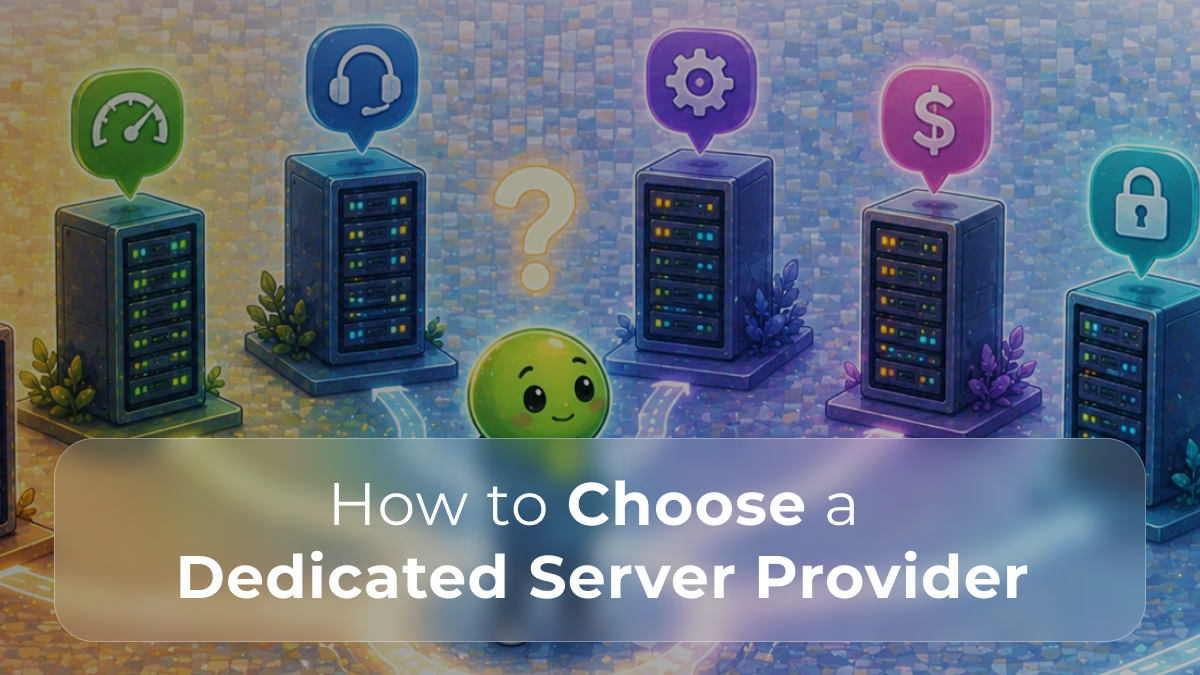
You’ve made the decision: it’s time to move to a dedicated server. The performance gains, the security control, the guaranteed resources, the case is clear. But now comes the question most guides skip entirely:
How do you choose the right provider?
Not all dedicated server providers are equal. The difference between a good provider and a bad one shows up at 2am when traffic spikes, when a drive fails, or when you need urgent support and nobody answers. Choosing wrong doesn’t just cost money, it costs uptime, trust, and revenue.
These are the 7 questions you need to ask before signing up with any dedicated server provider.
📖 New to dedicated servers?
Before comparing providers, make sure you understand the fundamentals. Read: What Is a Dedicated Server? a clear breakdown of how dedicated infrastructure works and why it matters.
Question 1: Where Are the Datacenters Located?
Server location is one of the most underestimated factors in infrastructure decisions. The further your server is from your users, the higher the latency, and latency directly impacts load times, user experience, and conversion rates.
When evaluating providers, ask:
- Where are their datacenters physically located?
- Do they have multiple locations, or just one?
- Can you choose the location that’s closest to your target audience?
A European business targeting users in Lisbon, Madrid, and London needs a provider with European infrastructure, not one whose nearest datacenter is in the US.
📖 Why location matters more than you think
Read How Server Location Affects Website Speed to understand the direct relationship between geographic distance and latency.
Question 2: What Is the Real SLA for Uptime?
Every provider promises 99.9% uptime. But what does that actually mean in practice?
99.9% uptime allows for approximately 8.7 hours of downtime per year. 99.99% reduces that to under an hour. For a revenue-generating website, those numbers matter significantly.
Ask the provider:
- What is their guaranteed uptime SLA?
- What compensation, if any, do they offer for SLA breaches?
- What is their track record, not what they promise, but what they deliver?
- Do they have redundant network connections and power supplies?
A provider unwilling to put specific uptime guarantees in writing is not a provider you should trust with your infrastructure.
📖 Understanding SLAs and uptime metrics
Go deeper with Understanding Server Uptime, SLAs, and Reliability Metrics a complete guide to reading SLA commitments critically.
Question 3: Is the Hardware Truly Dedicated and What Specs Are Available?
This sounds obvious, but it’s worth verifying. A “dedicated server” should mean exactly that: physical hardware reserved exclusively for you. However, some providers blur the lines between bare-metal and virtualized environments.
Ask specifically:
- Is the server bare-metal, or is there any layer of virtualization?
- What CPU generations are available? Are they current, or aging stock?
- What storage options exist: HDD, SSD, NVMe?
- What RAM configurations are offered, and can you upgrade?
- What are the network port speeds? (1 Gbps vs 10 Gbps makes a significant difference under load.)
📖 NVMe vs standard SSD: does it matter for your workload?
See How NVMe Storage Boosts Dedicated Server Performance to understand how storage type directly affects server responsiveness.
📖 Need help picking the right hardware configuration?
Our guide on How to Choose the Best Hardware for Your Dedicated Server walks you through CPU, RAM, storage, and networking choices.
Question 4: What Does Technical Support Actually Look Like?
When something breaks, and at some point, something will, how fast and how competent is the support team?
Support quality is one of the largest differences between providers, and also one of the hardest to evaluate upfront. Here’s how to assess it:
- Is support available 24/7, or only during business hours?
- What channels are available: phone, live chat, ticket system?
- What is the guaranteed response time? Is it in the SLA?
- Is support handled by technical engineers, or by a first-line helpdesk that escalates everything?
- Is the server managed or unmanaged, and what’s included in each?
A provider offering “managed” hosting should clearly define what that means: OS updates, security patches, monitoring, backup management? Ask for specifics.
📖 Managed vs Unmanaged which model is right for your team?
Read Managed vs Unmanaged Hosting Explained to understand the operational trade-offs before choosing a support model.
Question 5: How Does the Provider Handle Security?
With dedicated infrastructure, you control the environment — but that control comes with responsibility. A good provider should help you maintain a secure baseline, not leave you entirely on your own.
Questions to ask:
- Is DDoS protection included, or is it an add-on?
- Does the provider offer firewalls, and are they configurable?
- Is network-level traffic monitoring available?
- What physical security measures are in place at the datacenter?
- Do they support compliance requirements such as GDPR or PCI-DSS?
Security at the server level is your responsibility. Security at the network and datacenter level should be the provider’s. Make sure both layers are covered.
📖 What DDoS protection should your provider include?
Understand the threat and the standard defences in What Is DDoS and How Does It Affect Your Website? so you can ask the right questions.
📖 Operating in Europe? GDPR compliance matters
Read Dedicated Servers and GDPR: What You Need to Know before choosing a provider for any business handling EU data.
Question 6: What Is the True Total Cost Including Hidden Fees?
The monthly price on a provider’s homepage is rarely the number you’ll actually pay. Before committing, understand the full cost structure:
- Is setup or provisioning free, or is there an onboarding fee?
- What does bandwidth overage cost?
- Are backups included, or billed separately?
- What do hardware upgrades or configuration changes cost?
- Are there long-term contract requirements, or can you pay month-to-month?
The cheapest option on the surface often becomes the most expensive once you account for performance shortfalls, support costs, and infrastructure workarounds.
📖 The real cost of cheap hosting
Before choosing on price alone, read Hidden Costs of Cheap Hosting Solutions a breakdown of where low-cost providers pass the real costs back to you.
📖 Comparing dedicated vs cloud on total cost
See our full Dedicated Server vs AWS: Full Cost Breakdown for a detailed comparison of infrastructure pricing across hosting models.
Question 7: Is There a Trial Period or a Satisfaction Guarantee?
A provider confident in their infrastructure will stand behind it. Before you commit to a long-term contract, ask:
- Is there a trial period or money-back guarantee?
- Can you test performance before committing?
- What is the process for cancelling if things don’t work out?
- Are there minimum contract terms that lock you in?
A provider that resists these questions is telling you something. Transparency around trials and cancellation policies reflects confidence, or the lack of it, in the actual product.
Making Your Decision: A Quick Checklist
Before signing with any dedicated server provider, confirm you have answers to all of the following:
- ✅ Datacenter locations match your target audience geography
- ✅ Uptime SLA is documented and includes remedies for breaches
- ✅ Hardware specs are fully dedicated (bare-metal) with clear upgrade paths
- ✅ 24/7 technical support is available via real engineers
- ✅ Security includes DDoS protection and network-level monitoring
- ✅ Total cost is fully transparent with no hidden fees
- ✅ Trial or cancellation policy is flexible and fair
Choosing a dedicated server provider is not a decision to rush. The right infrastructure partner doesn’t just give you a server, they give you the foundation your business runs on.
Ready to Choose the Right Dedicated Server?
Stop guessing and start scaling. Explore Swify’s dedicated server plans: full hardware control, guaranteed uptime, and transparent pricing. No hidden fees.
→ Browse Swify Dedicated Server Plans What is the most important factor when choosing a dedicated server provider?
Uptime reliability and support quality are typically the most critical factors. A server that’s fast but frequently unavailable is far more damaging than one that’s slightly slower but consistently online. See our guide on Understanding Server Uptime, SLAs, and Reliability Metrics to learn how to evaluate SLA commitments critically.
Should I choose a managed or unmanaged dedicated server?
It depends on your team’s technical capacity. Managed hosting includes OS updates, security patching, and monitoring, ideal if you don’t have dedicated DevOps or sysadmin resources. Unmanaged gives you full control but requires you to handle all configuration and maintenance. Read Managed vs Unmanaged Hosting Explained for a complete breakdown.
How does server location affect my website's performance?
Every millisecond of latency has a measurable impact on user experience and conversion rates. The closer your server is to your users, the faster data travels. How Server Location Affects Website Speed explains the relationship between geography, latency, and performance in detail.
Is a dedicated server more expensive than cloud hosting?
Upfront, dedicated servers can appear more expensive. But when accounting for performance per cost and predictable billing, dedicated infrastructure often reduces total cost at scale. Our Dedicated Server vs AWS: Full Cost Breakdown compares both models in detail, including common hidden costs in cloud pricing.
What security features should a dedicated server provider include?
At minimum: DDoS protection, a configurable firewall, physical datacenter security, and network-level monitoring. For businesses handling payments or EU personal data, ask specifically about PCI-DSS compliance support and GDPR infrastructure requirements.
How do I know when my website is ready for a dedicated server?
Common signals include consistent performance degradation under traffic, security constraints on shared infrastructure, or compliance requirements that shared environments cannot meet. Read When Should You Upgrade to a Dedicated Server? and Signs Your Website Has Outgrown Shared Hosting for concrete indicators.