
In today’s connected digital landscape, servers are constantly exposed to external traffic. Every request, whether legitimate or malicious, passes through your infrastructure. Without proper protection, servers can become vulnerable to unauthorized access, data breaches, and service disruptions.
This is where firewalls play a critical role.
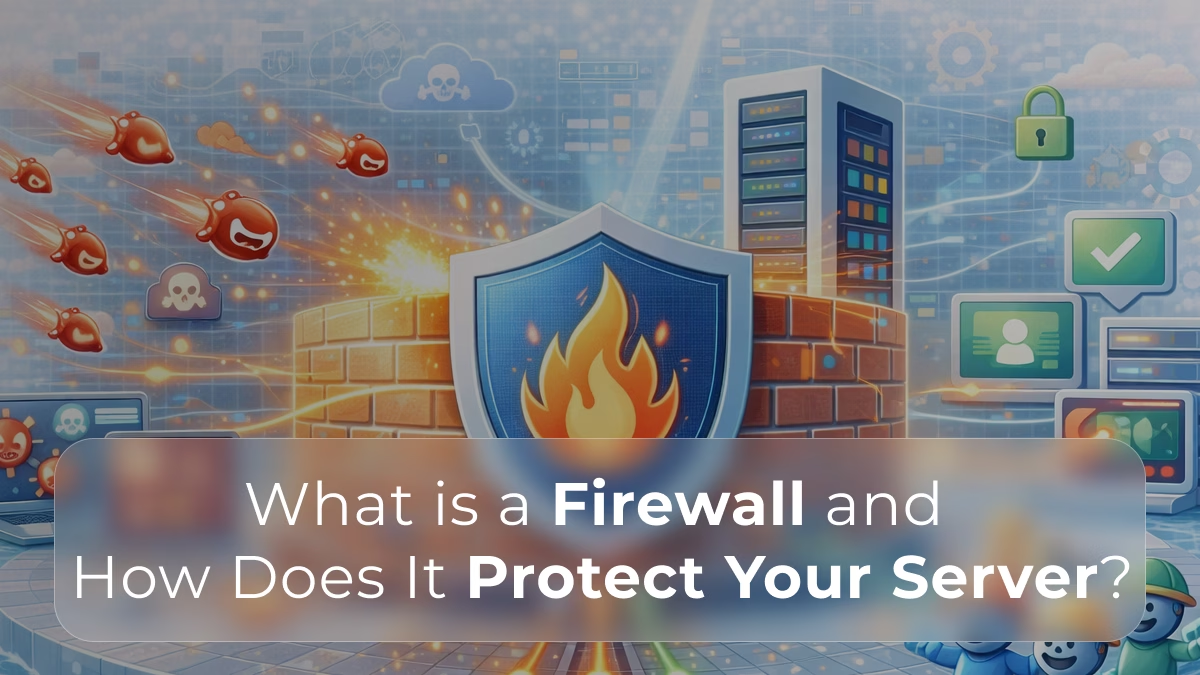
A firewall acts as a security barrier between your server and incoming network traffic. It monitors, filters, and controls data based on predefined security rules, helping ensure that only safe and authorized traffic is allowed through.
Understanding how firewalls work is essential for building secure and reliable hosting environments.
Server security is just one part of overall performance.
Learn how infrastructure issues impact speed in What Is Server Load and Why Websites Slow Down
What Is a Firewall?
A firewall is a security system designed to monitor and control incoming and outgoing network traffic.
It acts as a gatekeeper between:
- trusted internal networks (your server)
- untrusted external networks (the internet)
Firewalls apply a set of rules to determine whether traffic should be:
- allowed
- blocked
- flagged for inspection
By filtering traffic at this level, firewalls help prevent unauthorized access and reduce the attack surface of a server.
How Firewalls Protect Your Server
Firewalls protect servers by controlling how data flows in and out of the system.
Here are the key ways they enhance server security:
Traffic Filtering
Firewalls inspect incoming and outgoing traffic based on predefined rules.
These rules may include:
- IP address filtering
- port-based restrictions
- protocol filtering (TCP, UDP, ICMP)
For example:
- allowing HTTP/HTTPS traffic (ports 80 and 443)
- blocking unknown or suspicious IP addresses
- restricting access to administrative ports (like SSH)
This ensures that only necessary and safe traffic reaches your server.
Blocking Unauthorized Access
One of the primary roles of a firewall is to prevent unauthorized users from accessing server resources.
Firewalls can:
- block login attempts from unknown sources
- restrict access to sensitive services
- enforce network segmentation
This is especially important for protecting:
- databases
- control panels
- internal APIs
Protection Against Malicious Traffic
Firewalls help detect and block malicious activity, including:
- brute-force attacks
- port scanning
- suspicious connection attempts
- abnormal traffic patterns
While firewalls are not a complete security solution, they serve as the first line of defense against many common threats.
Some attacks, like DDoS, can overwhelm servers even before they reach applications.
Understand how they work in What Is DDoS and How Does It Affect Your Website
Reducing Attack Surface
By limiting open ports and services, firewalls reduce the number of potential entry points into a server.
For example:
- closing unused ports
- restricting access to specific IP ranges
- isolating internal services from public access
This minimizes exposure and makes it harder for attackers to exploit vulnerabilities.
Types of Firewalls
Firewalls can be implemented in different ways depending on infrastructure needs.
Network Firewalls
Network firewalls operate at the network level and protect multiple systems at once.
They are typically placed:
- between the internet and your infrastructure
- at the edge of a data center
- in front of server clusters
Benefits include:
- centralized traffic control
- protection for multiple servers
- consistent policy enforcement
Host-Based Firewalls
Host-based firewalls run directly on individual servers.
They control traffic specific to that machine.
Advantages:
- granular control over server-level traffic
- customized rules per application
- additional layer of protection
Common use cases include:
- securing dedicated servers
- protecting virtual machines
- isolating services within a system
Hardware Firewalls
Hardware firewalls are physical devices designed specifically for network security.
They are often used in enterprise environments.
Benefits:
- high performance
- dedicated processing power
- robust security features
However, they can be more expensive and less flexible than software-based solutions.
Software Firewalls
Software firewalls are applications installed on servers or cloud environments.
They are widely used due to their flexibility.
Advantages:
- easy deployment
- cost-effective
- adaptable to cloud and virtualized systems
Most modern hosting environments rely heavily on software-based firewall solutions.
How Firewall Rules Work
Firewalls rely on rules (also called policies) to decide how traffic should be handled.
Each rule typically defines:
- source (IP address or range)
- destination (server or service)
- port number
- protocol
- action (allow or deny)
Example rule:
- Allow traffic from any IP → port 443 (HTTPS)
- Deny traffic from unknown IPs → port 22 (SSH)
Rules are usually processed in order, meaning the first matching rule determines the outcome.
Well-structured rules are essential to maintaining both security and performance.
Stateful vs Stateless Firewalls
Firewalls can also be categorized based on how they inspect traffic.
Stateless Firewalls
Stateless firewalls analyze each packet independently.
They do not track the state of connections.
Characteristics:
- faster processing
- simpler rule sets
- less context awareness
Stateful Firewalls
Stateful firewalls track active connections and understand the context of traffic.
They can determine whether a packet is part of an established session.
Benefits:
- more accurate filtering
- better security decisions
- improved protection against complex threats
Most modern firewall solutions are stateful.
Firewalls and Server Performance
While firewalls are essential for security, they can also impact performance if not configured properly.
Potential issues include:
- excessive rule complexity
- deep packet inspection overhead
- misconfigured filtering rules
To maintain performance:
- keep rules optimized and minimal
- allow only necessary traffic
- regularly review and update configurations
A well-configured firewall balances security and efficiency.
Security layers can also impact performance if not properly configured.
Learn how to optimize server speed in How to Optimize Your Dedicated Server for Maximum Speed
Firewall vs Other Security Measures
Firewalls are a critical component of server security, but they are not sufficient on their own.
They are typically used alongside:
- intrusion detection systems (IDS)
- intrusion prevention systems (IPS)
- DDoS protection solutions
- secure authentication mechanisms
- regular software updates
A layered approach to security provides stronger protection against modern threats.
Modern infrastructure often combines multiple layers like redundancy and failover.
Read more in What Is High Availability (HA) in Hosting?
Common Firewall Use Cases
Firewalls are used across many types of hosting environments.
Typical use cases include:
- protecting web servers from unauthorized access
- securing database servers from public exposure
- restricting access to internal services
- filtering API traffic
- controlling outbound connections
Whether for small applications or enterprise systems, firewalls are a foundational part of infrastructure security.
Signs Your Server Needs Better Firewall Protection
Some indicators suggest that firewall rules may need improvement:
- repeated unauthorized login attempts
- unusual traffic spikes
- unexpected open ports
- suspicious IP connections
- frequent service disruptions
Monitoring and auditing firewall activity helps identify potential risks early.
Best Practices for Firewall Configuration
To maximize the effectiveness of a firewall, consider these best practices:
- allow only required ports and services
- restrict administrative access (e.g., SSH) to specific IPs
- regularly update firewall rules
- monitor logs for suspicious activity
- implement default deny policies
- combine firewall protection with other security layers
Regular reviews ensure that firewall configurations remain aligned with evolving security needs.
So…
A firewall is one of the most essential components of server security. By controlling how traffic enters and exits your infrastructure, it helps protect against unauthorized access, malicious activity, and potential system compromise.
As cyber threats continue to evolve, relying on a single layer of defense is no longer enough. Firewalls play a foundational role in a broader security strategy that includes monitoring, redundancy, and proactive infrastructure management.
For any organization operating online services, implementing and maintaining a properly configured firewall is not optional, it is a fundamental requirement for protecting both systems and users.
Looking to secure your infrastructure with high-performance hardware?
Firewalls are most effective when combined with reliable, isolated dedicated servers designed for security and performance.
∞ Explore Swify’s dedicated hosting solutions: https://swify.io ∞
❓FAQ 1 ∞ What is the difference between a firewall and DDoS protection?
A firewall filters traffic based on predefined rules, while DDoS protection focuses on mitigating large-scale traffic attacks designed to overwhelm servers.
Learn more: What Is DDoS and How Does It Affect Your Website?
❓FAQ 2 ∞ Do firewalls affect server performance?
Yes, especially if rules are overly complex or misconfigured. However, a well-optimized firewall has minimal impact.
Learn how performance bottlenecks happen: What Is Disk I/O and Why It Becomes a Bottleneck
❓FAQ 3 ∞ Is a firewall enough to secure a server?
No. Firewalls are just one layer of security. Modern environments require monitoring, redundancy, and performance optimization.
See how infrastructure design improves reliability: What Is High Availability (HA) in Hosting?
❓FAQ 4 ∞ Can a firewall prevent server crashes?
Not directly, but it can reduce risk by blocking malicious traffic that could overload the system.
Understand server crashes here: What Happens When a Server Crashes?
❓FAQ 5 ∞ Do dedicated servers need firewalls?
Yes. Even though dedicated servers provide isolated resources, they are still exposed to external traffic and require protection.
Learn why businesses choose dedicated hosting: Why Growing E-Commerce Businesses Upgrade to Dedicated Hosting