
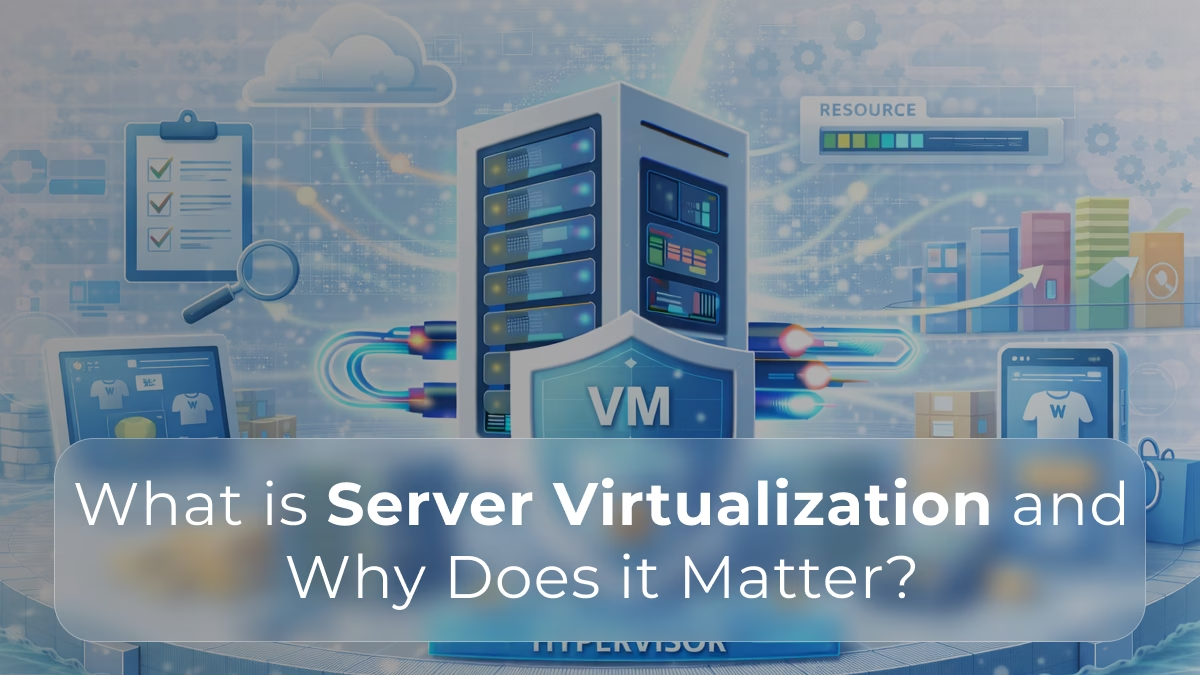
Virtualization is often the foundation of modern hosting architectures.
If you’re evaluating different infrastructure models, understanding how virtualization compares to dedicated environments helps clarify long-term performance and cost trade-offs.
Modern IT infrastructure is built around efficiency, scalability, and flexibility. As workloads grow more complex and dynamic, organizations need ways to use hardware resources more effectively without sacrificing performance or reliability.
This is where server virtualization becomes a foundational technology.
Server virtualization allows multiple independent environments to run on a single physical server, transforming how data centers, cloud platforms, and enterprise systems are designed and managed.
What Is Server Virtualization?
Server virtualization is the process of dividing a physical server into multiple virtual servers, each operating as an independent system.
Instead of running a single operating system on one machine:
- A virtualization layer, known as a hypervisor, sits between hardware and software
- Multiple virtual machines (VMs) share the same physical resources
- Each VM runs its own operating system and applications
From the perspective of the software, each virtual machine behaves like a dedicated server.
How Server Virtualization Works
At the core of virtualization is the hypervisor, which manages resource allocation and isolation.
The hypervisor:
- Abstracts physical CPU, memory, storage, and networking
- Allocates resources dynamically to each virtual machine
- Ensures isolation between workloads
- Manages scheduling and hardware access
There are two common hypervisor types:
- Type 1 (bare-metal) – runs directly on server hardware
- Type 2 (hosted) – runs on top of an operating system
In production environments, Type 1 hypervisors are typically preferred for performance and stability.
Why Virtualization Was Needed
Traditional server models often led to inefficiencies.
Common problems included:
- Underutilized hardware resources
- One application per server
- High operational and hardware costs
- Slow provisioning of new systems
Virtualization solved these issues by allowing:
- Multiple workloads on a single physical machine
- Better resource utilization
- Faster deployment and scaling
- More flexible infrastructure design
Key Benefits of Server Virtualization
Improved Resource Efficiency
Virtualization enables better use of available hardware by:
- Consolidating multiple workloads onto fewer servers
- Dynamically allocating CPU and memory
- Reducing idle resource waste
This leads to lower hardware and energy costs.
Efficiency and flexibility are key advantages of virtualization, but they depend heavily on the underlying hardware.
Performance stability and predictable resource allocation become even more critical as workloads scale.
👉 How Dedicated Servers Reduce Long-Term Infrastructure Costs
Scalability and Flexibility
Virtual machines can be:
- Created, resized, or removed quickly
- Moved between physical hosts
- Scaled without physical hardware changes
This makes virtualization ideal for environments with changing workloads.
Isolation Between Workloads
Each virtual machine operates independently.
Benefits of isolation include:
- Improved security boundaries
- Reduced impact of application failures
- Better workload stability
If one VM experiences an issue, others remain unaffected.
Faster Deployment and Recovery
Virtual environments simplify operations such as:
- Rapid server provisioning
- Snapshot-based backups
- Faster disaster recovery
VMs can be restored or migrated without manual hardware intervention.
Virtualization and Performance Considerations
While virtualization adds a small layer of abstraction, modern platforms are highly optimized.
Performance factors include:
- CPU scheduling and core allocation
- Memory management and overcommitment
- Storage I/O performance
- Network throughput
On properly sized hardware, virtualization overhead is minimal for most workloads.
Common Use Cases for Server Virtualization
Server virtualization is widely used across industries.
Typical use cases include:
- Hosting multiple applications on shared infrastructure
- Development and testing environments
- SaaS platforms
- Virtual desktop infrastructure (VDI)
- Private and hybrid cloud deployments
It is especially valuable where flexibility and scalability are priorities.
Virtualization vs Dedicated Servers
Virtualization and dedicated servers are not mutually exclusive.
Dedicated servers:
- Provide exclusive hardware access
- Serve as the physical foundation for virtualization
- Are often used to host virtualized environments
Many organizations run virtualization platforms on dedicated servers to combine:
- Hardware isolation
- Virtual flexibility
- Predictable performance
Security and Virtualization
Virtualization introduces new security considerations.
Best practices include:
- Strong hypervisor hardening
- Network segmentation between VMs
- Regular patching and monitoring
- Limiting resource overcommitment
When properly configured, virtualized environments can be highly secure and reliable.
When Virtualization Matters Most
Server virtualization is especially important when:
- Infrastructure must scale quickly
- Multiple workloads share hardware
- Cost efficiency is a priority
- Fast deployment and recovery are required
It enables modern infrastructure models without sacrificing control.
So…
Server virtualization is a cornerstone of modern IT infrastructure. It allows organizations to maximize hardware efficiency, improve scalability, and deploy systems faster while maintaining isolation and reliability.
Whether used in enterprise data centers, cloud platforms, or on dedicated servers, virtualization provides the flexibility needed to support evolving workloads. Understanding how virtualization works and why it matters is essential for making informed infrastructure decisions in today’s performance-driven environments.
Build flexible virtual environments on a solid foundation.
Virtualization delivers efficiency and scalability, but its success depends on stable, predictable hardware.
Swify provides dedicated server infrastructure optimized for virtualization, performance isolation, and long-term reliability.
❓ FAQ 1
What is the difference between server virtualization and cloud hosting?
Server virtualization is a technology that allows multiple virtual machines to run on a single physical server. Cloud hosting uses virtualization at scale, combined with automation and shared infrastructure across many tenants.
❓ FAQ 2
Does virtualization reduce performance compared to bare metal?
Modern hypervisors introduce minimal overhead when properly configured. However, performance still depends on hardware quality, storage speed, and resource allocation policies.
❓ FAQ 3
Why are dedicated servers commonly used for virtualization platforms?
Dedicated servers provide predictable CPU, RAM, storage, and network performance. This stability is essential when running multiple virtual machines with consistent workloads.
❓ FAQ 4
Is server virtualization secure for production workloads?
Yes, when properly configured. Strong isolation, network segmentation, and hypervisor hardening make virtualized environments suitable for enterprise and regulated workloads.
❓ FAQ 5
When should a business consider virtualization?
Virtualization is ideal when infrastructure must scale quickly, support multiple workloads, or enable faster deployment and recovery without increasing hardware footprint.